
1xQuickConvertFormat: convert any file on your Mac with one drag
Hold Shift while dragging a file in Finder, drop it on the format you want, done. The new file appears next to the original. No windows to open, nothing uploaded.
Download for macOSGet a free codeBuy Personal
macOS 12.3 or later · Apple Silicon and Intel
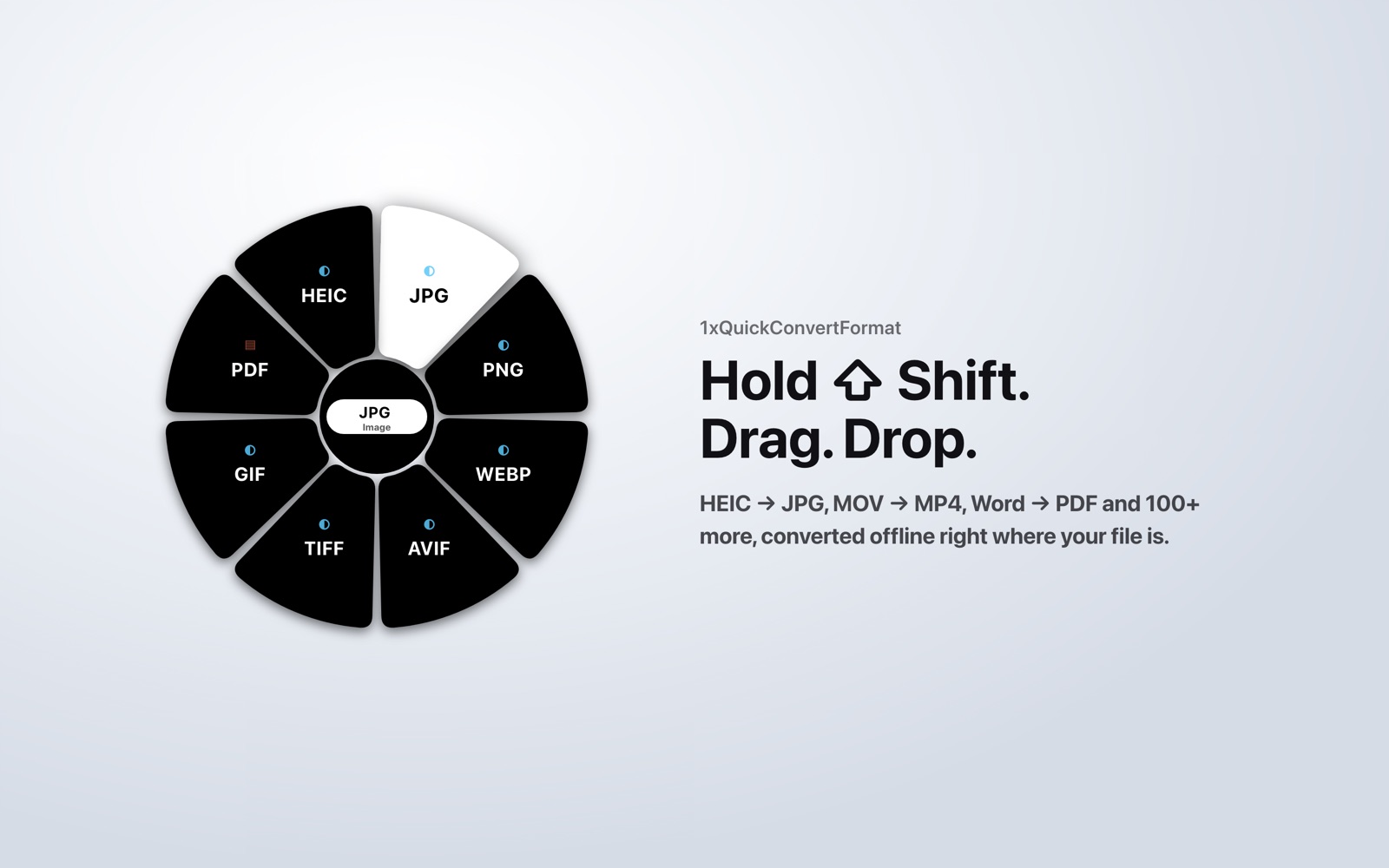
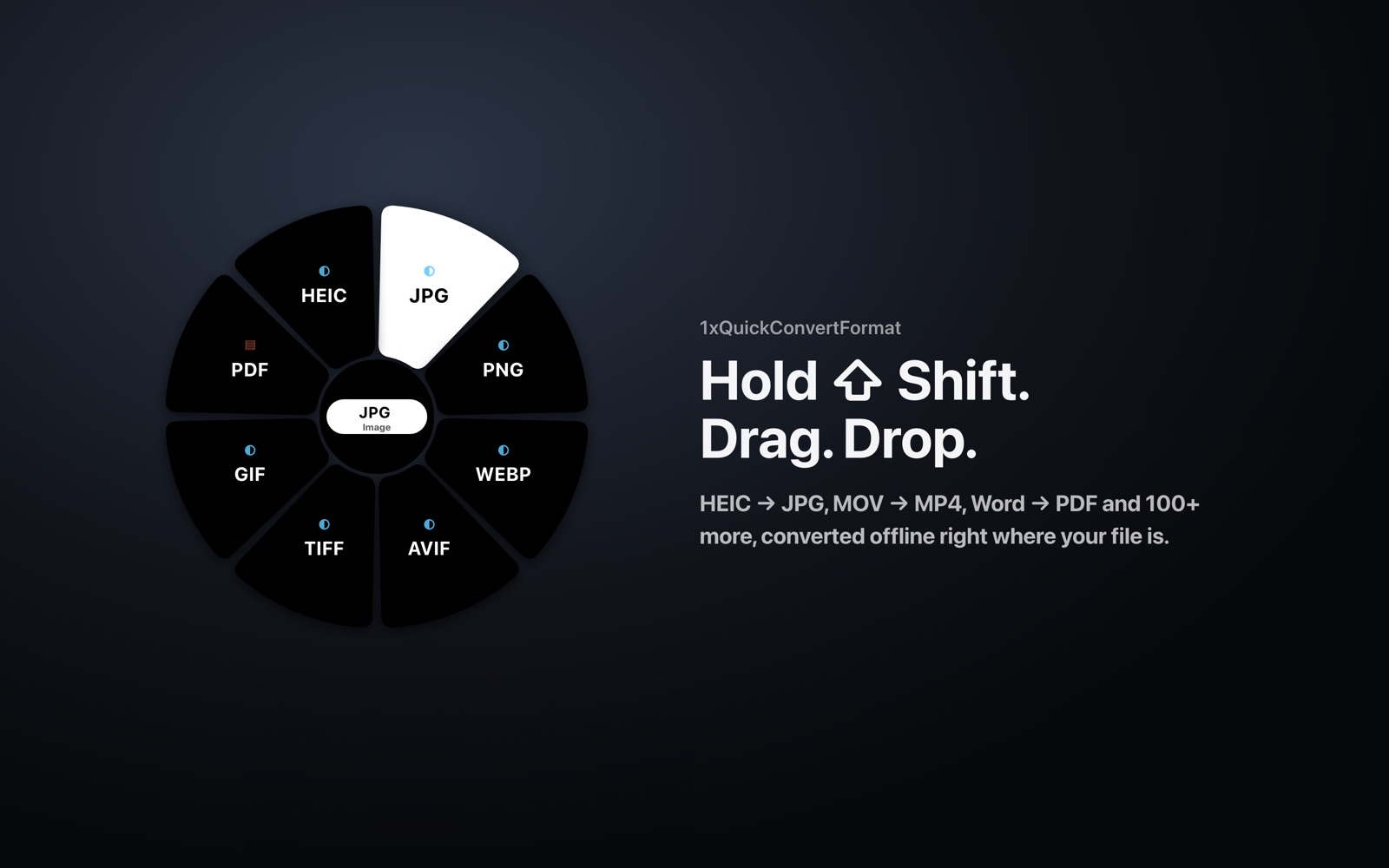
Three steps, nothing to learn
- Hold Shift while dragging one or more files in Finder.
- A wheel appears under the cursor with only the formats those files can become.
- Drop on a format. The converted file is saved next to the original.
What it converts
- Images: iPhone HEIC to JPG or PNG, plus WebP, AVIF, GIF, TIFF, BMP, ICO; SVG to PNG or PDF.
- Video and audio: MOV to MP4, MKV, WebM or GIF; extract MP3/M4A from video; convert between MP3, WAV, FLAC, AAC, OGG and more.
- Office: Word, Excel, PowerPoint, Pages, Numbers and Keynote to PDF, and between Office formats.
- PDF: to PNG/JPG images or plain text.
- Data and code: CSV, JSON, YAML, TOML and XML in any direction; source code to syntax-highlighted HTML or PDF.
- Vietnamese text: automatic encoding detection and one-drop repair of old TCVN3 (.VnTime) and VNI documents to Unicode.
Video and audio use the free FFmpeg; layout-faithful Office conversions use the free LibreOffice. The app detects both automatically.
Private by design
Every conversion runs on your Mac and your files are never uploaded. There are no ads or trackers. The app only goes online to activate and re-check your license about once a week. Read the Privacy Policy.
Pricing
Every plan is for one Mac. Pay by card or PayPal in US dollars, or by Vietnamese bank transfer (VietQR) in đồng.
| Free | Personal · 1 year | Personal · Lifetime | |
|---|---|---|---|
| Price | free | US$8.99/year (199,000₫) | US$19.99 once (479,000₫) |
| How to get it | an invite code from a friend, or join our Telegram channel | Buy | Buy |
| Images, text, data, code | Yes | Yes | Yes |
| Video, audio, Office, PDF | Yes | Yes | |
| Batch conversion | Yes | Yes | |
| Quality, size and output folder options | Yes | Yes |
New installs include a 7-day trial of the Free features. Each activated Mac gets 3 invite codes; when 3 people you invite keep using the app for a week, you get 50% off Personal. No refunds: the 7-day trial lets you check the app before buying, so purchases are final unless the law requires otherwise. Double or excess payments are returned.
FAQ
Is it free? The Free plan covers images, text, data and code. Get a Free code from a friend who uses the app or by joining our Telegram channel. Video, audio, Office, PDF and batch conversion need Personal.
Does it need the internet? Conversions are fully offline. The app connects only to activate and re-check the license about weekly, and works offline for up to 30 days between checks.
Does it run on Intel Macs? Yes, on Apple Silicon and Intel with macOS 12.3 or later.
Where do converted files go? Next to the original, numbered if the name exists. Personal can choose another folder.
How many Macs per key? One. You can move it to a new Mac up to 3 times in 12 months.
Tiếng Việt · EULA · Privacy · Support: mail@xuanhieu.org